Name what is circling
Begin with one honest sentence. Kaen gives the thought an edge without asking for your whole history.
Kaen is a private space for short resets. Write what is weighing on you, discover what it needs, and return to your life with a clearer next step.
The reset
Begin with one honest sentence. Kaen gives the thought an edge without asking for your whole history.
Let it go, see it clearly, make a decision, or turn it into one visible next step.
Save your reflection privately. If you chose an action, it becomes your next step—ready when you are.
After the reset
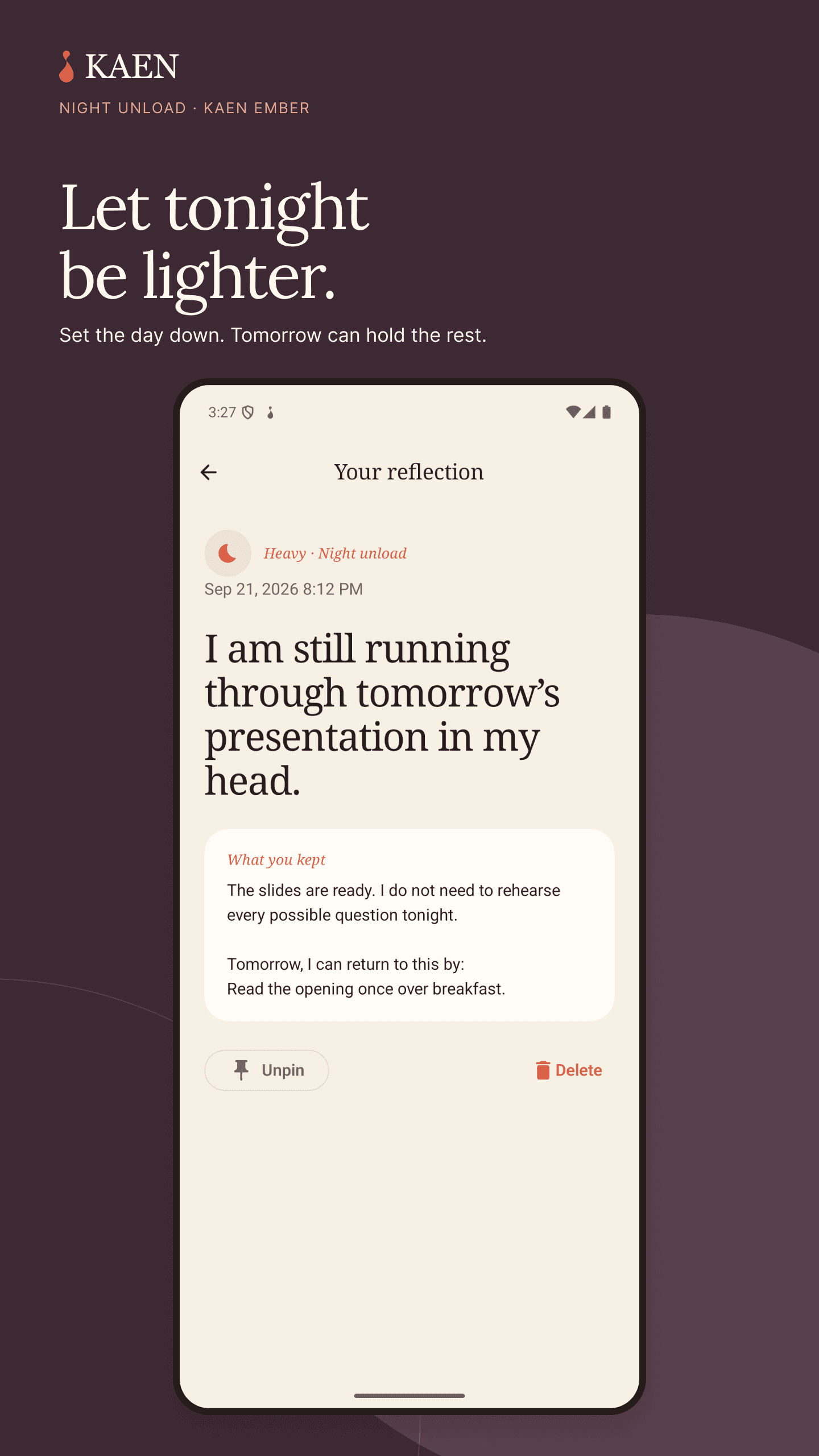
The Journal keeps what you wrote, what you chose, and the step you decided to take. Pin what matters and search when you need it—without turning reflection into daily homework.
Journal and next stepsInside Kaen for Android
For the choice you’re sitting with, the thought that follows you to bed, and the small things you want to remember.
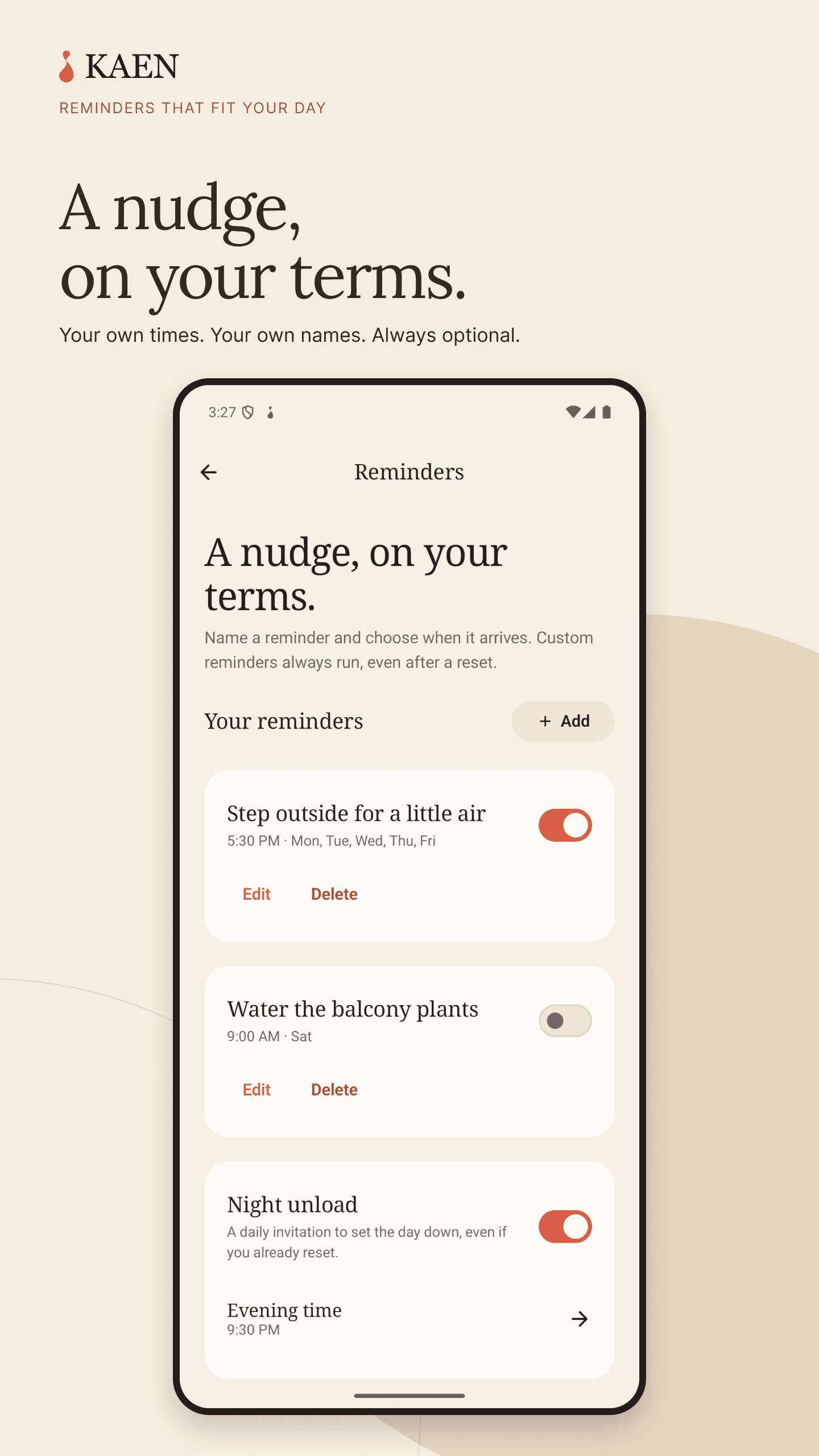
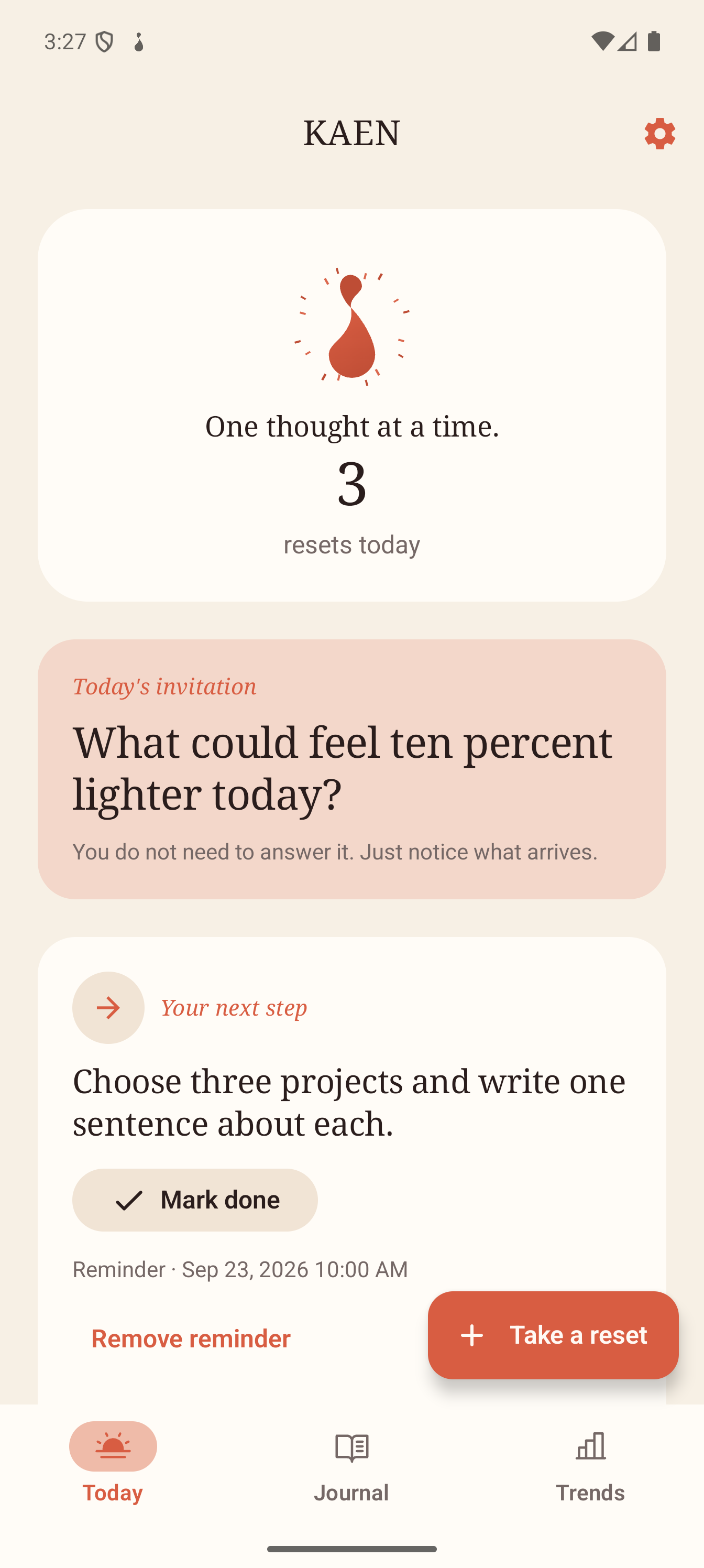
Actual Android screens with sample journal entries. Night Unload is part of Kaen Ember.
Heavy thoughts appeared most often in the evening.
Patterns, not scores
Trends reveal recurring times, feelings, and responses across your resets. No streaks, rankings, or pressure to protect a number.
Privacy is part of the design
No account is required. Entries are stored locally, and you can export them or choose an optional backup provider yourself. Kaen does not run a database for your private journal.
Read the Privacy PolicyKaen Ember
An optional one-time purchase adds Decision Compass, Night Unload, next-step tracking, themes, and app icons. No subscription, countdown, or pressure copy.
Meet Kaen EmberThe Kaen journal
Kaen guide 01
A complete walkthrough of the three-minute flow: name one thought, choose what would help, and save only the useful part.
Kaen guide 02
A practical way to choose among Kaen’s three reset responses, with examples of when each one helps—and when it does not.
Kaen guide 03
Write one small action during a reset. With Kaen Ember, find it in Today or Next steps, mark it done, or set an optional reminder.
The private practice
No account, no ads, and no subscription. Your writing stays on your device, and Kaen knows when its job is done.